
Built for the teacher doing three jobs at once
Plan once, reuse all year, and let grading take care of itself. Worksheet Builder keeps your lessons, assignments, and student progress in one place, so your evenings are yours again.
Free during beta · No credit card · Unsubscribe anytime



Worksheet Builder Supports Classroom Management
Keep students focused, lessons organized, and grading off your plate so you can teach confidently.
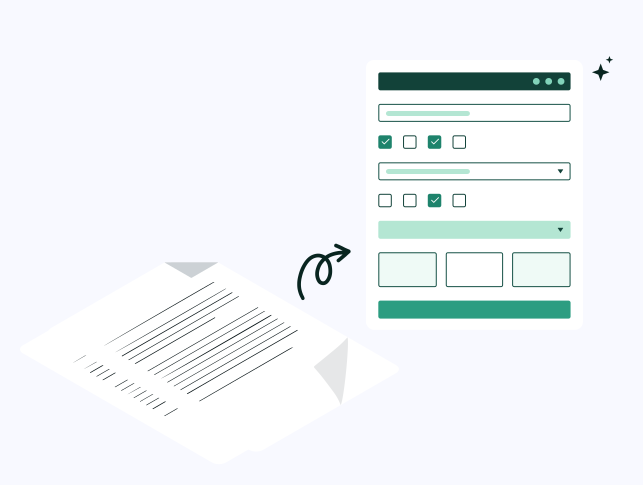
Build bell ringers, quizzes, warm-ups, and exit tickets in minutes.
Convert any worksheet into an interactive, self-graded assignment to keep students engaged and reduce prep time. This is great for:
- District-provided curriculum materials
- Resources purchased on TeachersPayTeachers
- Differentiated versions of the same assignment
- PDFs and worksheets you’ve used for years
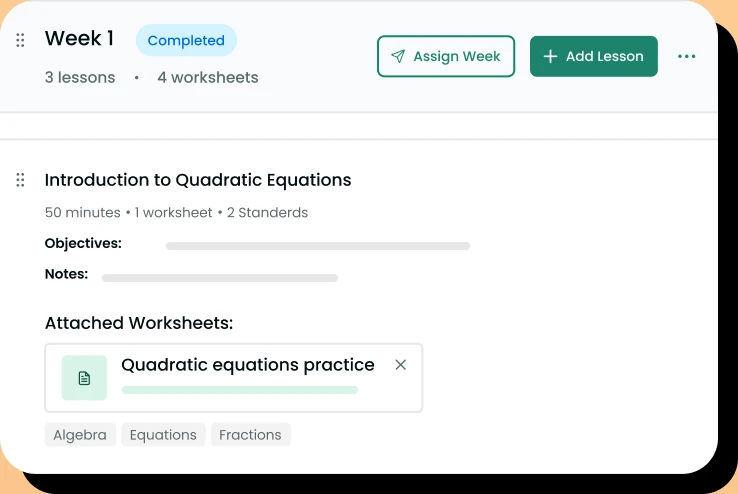
Build Lesson Plans for the Entire Year
Organize everything you teach into clean, structured lesson plans. Teachers can:
- Plan daily lessons, units, or an entire year
- Reuse, duplicate, or update plans anytime
- Export lessons for administrators or team collaboration
- Store all instructional materials in one place
We’ve built the Lesson Builder to help teachers easily repurpose content each year and maintain a consistent, organized classroom.
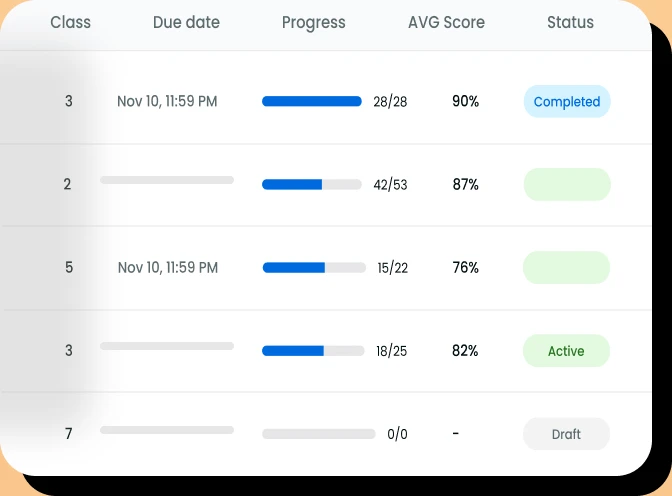
Assign, Track, and Grade With Ease
One workflow for assigning, tracking, grading, and reporting Teachers can:
- Assign worksheets to individuals or classes
- View automatic grading
- Leave feedback
- Export grades
We’re expanding integrations with SIS systems so student scores can flow directly into your gradebook with no extra steps.
Simplify your classroom workflow
Join the betaWhy Teachers Love Worksheet Builder
Differentiate Instruction



Digitalize Materials
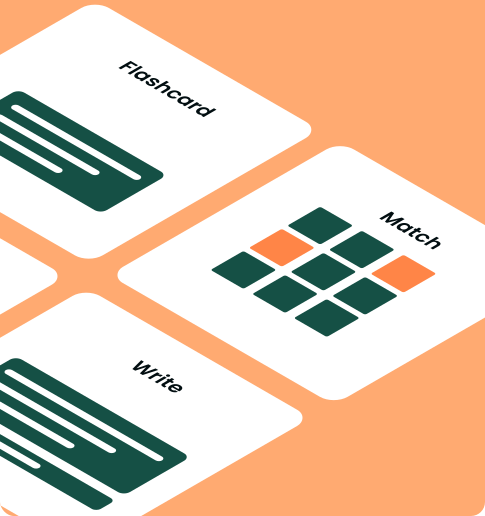
Encourage Independent Practice
Free during the beta
We’re not charging anything while the beta is open. You get full access in exchange for honest feedback. When we introduce pricing later, beta testers hear first and get looked after.
Free during beta · No credit card · Unsubscribe anytime
FAQ
Yes. You can edit a worksheet at any time. However, changes will only apply to students who have not started the worksheet yet. Submissions already in progress or completed will remain unchanged.
Build a worksheet from scratch, start from a template, or convert an existing PDF into an interactive version. When it’s ready, choose a class or individual students, set a due date, and assign it from your dashboard.
Yes. The same worksheet can be assigned to one class, several classes at once, or a selection of individual students — so you can differentiate work without duplicating it.
Students open the assignment from their dashboard, complete the interactive worksheet in the browser, and submit it with one click — no printing or scanning required.
Auto-gradable questions are scored as soon as a student submits, and open-ended responses can be reviewed and graded by you. Results appear in the gradebook so you can track progress by student, class, or assignment.


Still have questions?
Our team is here to help. Reach out and we’ll get back to you shortly.
Contact us